PCB Design Software Altium KiCad Cadence Eagle
Selecting the right PCB design software directly impacts your board’s manufacturability, cost, and time-to-market for export. Whether you are a professional engineer at a large OEM or a startup prototyping a new IoT device, choosing between Altium Designer, KiCad, Cadence (OrCAD/Allegro), or Eagle (now Autodesk EAGLE) is a critical decision. This comprehensive guide consolidates expert insights from top industry sources to help you evaluate these four leading tools based on features, workflow, community support, and integration with PCB fabrication houses like ours.
Altium Designer – Professional PCB Design Software for High-Speed Boards
Overview & Market Position of Altium PCB Design Software
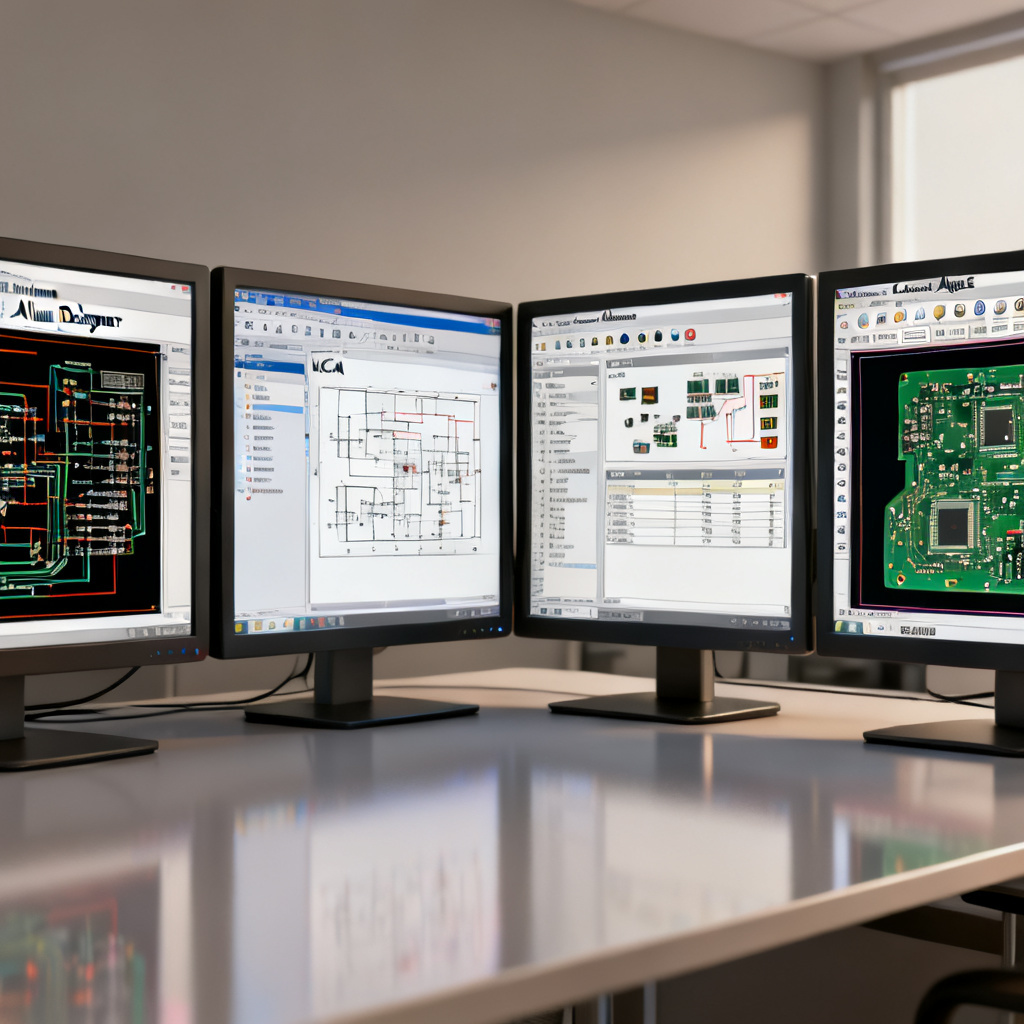
PCB Design Software Altium KiCad Cadence Eagle are widely regarded as the industry standard for professional PCB design software, particularly in high-speed digital, RF, and complex multi-layer board projects. It is a unified electronics design system that integrates schematic capture, PCB layout, signal integrity analysis, and FPGA development within a single environment.
Key Features of Altium PCB Design Software
- Unified Design Environment: Unlike tools that require separate modules, Altium offers a single application for all tasks, reducing file conversion errors.
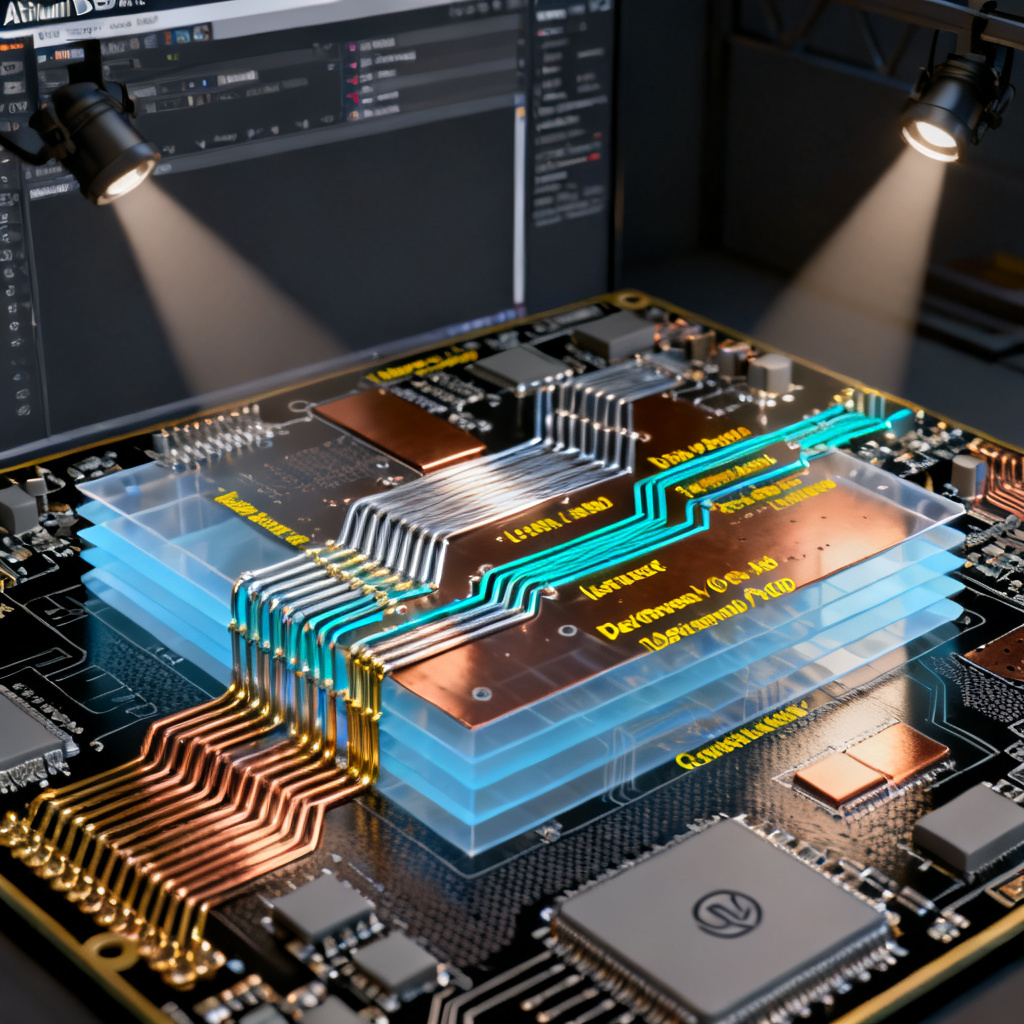
- Advanced Routing & High-Speed Design: Includes interactive routing with push-and-shove, differential pair routing, length tuning, and impedance control. It is the go-to tool for boards with DDR memory, PCIe, or high-speed USB.
- 3D Modeling & Mechanical Integration: Native 3D viewing with STEP model import/export. You can check board-to-enclosure fit, component heights, and thermal clearances directly in the design environment.
- ActiveBOM (Bill of Materials): Real-time component availability and pricing from distributors (e.g., DigiKey, Mouser), helping you avoid obsolete parts and manage supply chain risks.
- Powerful Design Rule Checking (DRC): Customizable rules for clearance, width, mask, and thermal relief. Altium’s DRC is considered the most thorough among the four tools.
- Version Control & Collaboration: Integrated with Git and SVN for team-based design. The Altium 365 platform enables cloud-based sharing, reviews, and manufacturing data management.
Strengths of Altium for B2B PCB Export
- Manufacturing Output: Generates industry-standard Gerber X2, ODB++, and IPC-2581 files. These formats are universally accepted by professional PCB manufacturers, minimizing misinterpretation.
- Signal Integrity Analysis: Built-in simulation tools (e.g., SI, PI, and Thermal) reduce the risk of prototype failures, which is critical for export customers who cannot afford multiple iterations.
- Library Management: Extensive vendor-supplied component libraries (e.g., from SamacSys) and the ability to create parametric 3D footprints.
Limitations of Altium PCB Design Software
- Cost: High subscription fees ($3000+/year per seat) can be prohibitive for small teams.
- Learning Curve: Steep for beginners; requires dedicated training for complex features.
Best Use Cases for Altium PCB Design Software
- Complex multi-layer boards (8+ layers)
- High-speed digital designs (e.g., FPGAs, processors)
- Professional teams requiring integrated simulation and supply chain tools
KiCad – Free Open-Source PCB Design Software for Startups
Overview & Market Position of KiCad PCB Design Software
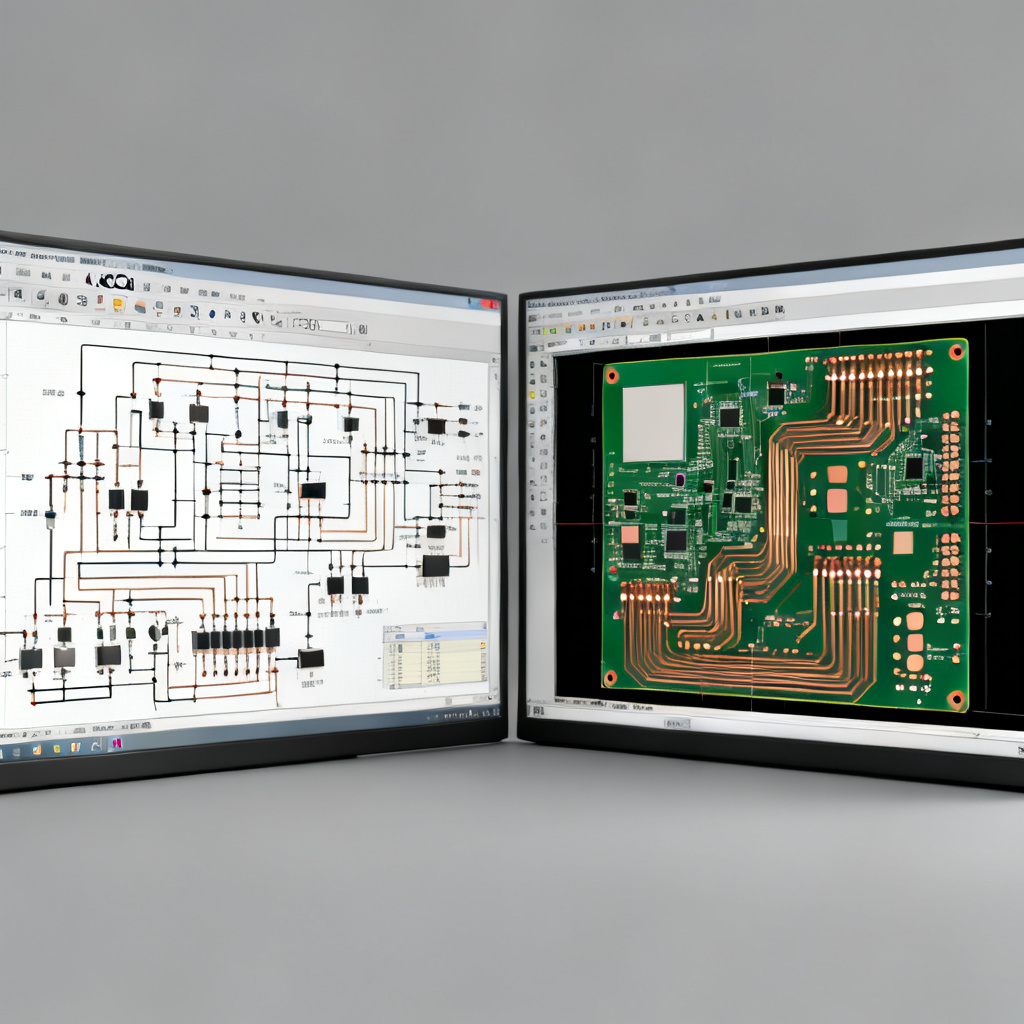
KiCad is a free, open-source, and cross-platform EDA suite. It has matured significantly over the past decade and is now a credible alternative to commercial PCB design software for many applications. It is maintained by the KiCad Services Corporation and a global community of developers.
Key Features of KiCad PCB Design Software
- Completely Free & Open Source: No license fees, no subscription. Suitable for unlimited commercial use, which is a major advantage for startups and educational institutions.
- Cross-Platform: Runs on Windows, macOS, and Linux, ensuring team compatibility regardless of OS.
- Integrated Schematic & PCB Editor: The schematic editor (Eeschema) and PCB editor (Pcbnew) are tightly linked, with real-time cross-probing.
- Advanced 3D Viewer: Supports realistic 3D rendering with VRML/STEP models. You can view the board from any angle and export to STEP for mechanical CAD.
- Powerful Footprint & Symbol Tools: The footprint editor (Footprint Editor) and symbol editor (Symbol Editor) allow you to create custom components from scratch. The community library (kicad-library) contains thousands of validated parts.
- Design Rule Checking (DRC): While not as granular as Altium, KiCad’s DRC is robust for standard PCB designs (e.g., 2-6 layers, up to 100 MHz).
- Scripting & Automation: Python scripting enables custom design automation (e.g., generating panelization or BOM).
Strengths of KiCad for B2B PCB Export
- No Licensing Barriers: Your export customers can use KiCad without worrying about software audits or per-seat costs.
- Community Support: Active forums, Reddit communities, and YouTube tutorials provide extensive troubleshooting help.
- Manufacturing Output: Generates Gerber X2, NC Drill, and IPC-2581 files. Many PCB manufacturers accept KiCad output directly.
- Incremental Updates: The KiCad 7 and 8 releases introduced major improvements in routing (e.g., interactive length tuning) and schematic readability.
Limitations of KiCad PCB Design Software
- Limited High-Speed Features: No built-in signal integrity or power integrity simulation. You must use external tools (e.g., SPICE, Qucs) for analysis.
- Library Management: The default library is less curated than Altium’s; you may need to verify footprint dimensions manually.
- No Native Supply Chain Integration: No real-time BOM pricing or component availability checks.
Best Use Cases for KiCad PCB Design Software
- Startups and hobbyists with tight budgets
- Educational institutions and open-source hardware projects
- Simple to moderate complexity boards (2-6 layers, <200 MHz)
Cadence (OrCAD/Allegro) – High-Reliability PCB Design Software for Aerospace
Overview & Market Position of Cadence PCB Design Software
Cadence is a powerhouse in the semiconductor and high-reliability PCB design industry. OrCAD (the mid-range product) and Allegro (the high-end product) are used by major aerospace, automotive, and telecom companies. Cadence is known for its unparalleled simulation and analysis capabilities.
Key Features of Cadence PCB Design Software
- Industry-Leading Simulation: PSpice (included in OrCAD) provides analog and mixed-signal simulation. Allegro includes advanced SI/PI/EMI analysis tools.
- Constraint-Driven Design: You can define electrical constraints (e.g., impedance, skew, propagation delay) and the software automatically enforces them during routing.
- Hierarchical Design: Supports complex multi-sheet schematics and hierarchical blocks, essential for large-scale projects (e.g., server motherboards).
- Advanced Routing: Allegro’s routing engine is considered the fastest and most intelligent for high-speed designs, with features like auto-interactive routing, via-in-pad, and blind/buried vias.
- Library & Data Management: Cadence’s Component Explorer and OrCAD Capture CIS provide robust library management with parametric search.
- Manufacturing Output: Supports Gerber, ODB++, and IPC-2581, with detailed DFM (Design for Manufacturing) checks.
Strengths of Cadence for B2B PCB Export
- High Reliability: Used in mission-critical applications (e.g., medical devices, avionics). Designs are less likely to have hidden signal integrity issues.
- Collaboration: Allegro PCB Editor supports team-based design with concurrent engineering.
- DFM Integration: Cadence’s DFM tools automatically check for manufacturer-specific rules (e.g., minimum annular ring, solder mask slivers), reducing export rejection rates.
Limitations of Cadence PCB Design Software
- Cost & Complexity: OrCAD starts at ~$1500/year, while Allegro can exceed $10,000/year. The learning curve is steep, especially for Allegro.
- Steep Learning Curve: The user interface is not intuitive for beginners; requires formal training.
- Limited Cross-Platform: Primarily Windows-only (Allegro has limited Linux support).
Best Use Cases for Cadence PCB Design Software
- High-reliability boards (aerospace, medical, automotive)
- Very high-speed designs (10+ Gbps)
- Large teams with dedicated EDA administrators
Autodesk EAGLE – User-Friendly PCB Design Software for Hobbyists
Overview & Market Position of Eagle PCB Design Software
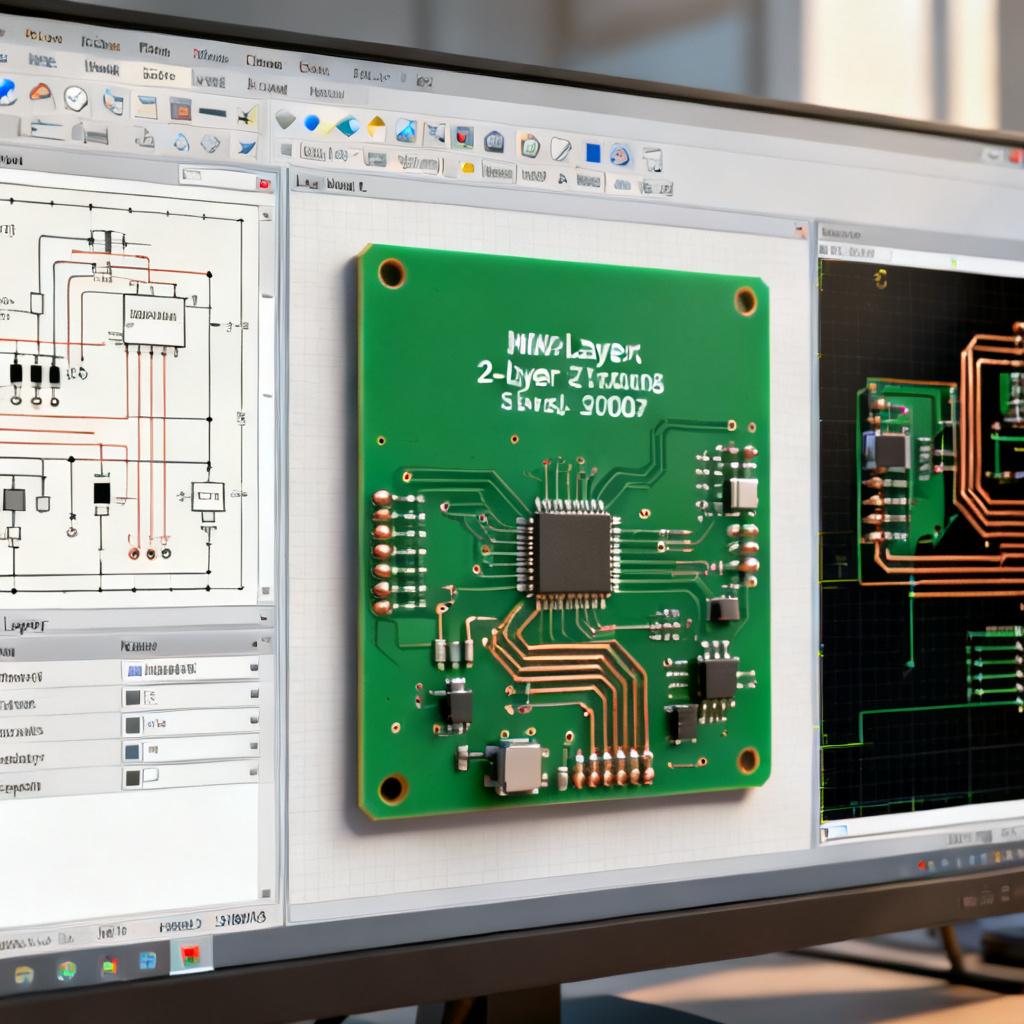
EAGLE (Easily Applicable Graphical Layout Editor) is a popular choice for hobbyists, makers, and small-to-medium electronics companies. It was acquired by Autodesk in 2016 and integrated into the Fusion 360 ecosystem. It is known for its ease of use and large community library.
Key Features of Eagle PCB Design Software
- User-Friendly Interface: EAGLE’s schematic and PCB editors are straightforward, with a clear separation between schematic capture and board layout.
- Large Community Library: The EAGLE library (e.g., from SparkFun, Adafruit) contains thousands of pre-made components, especially for common microcontrollers and sensors.
- Auto-Router: Includes a built-in auto-router (TopRouter) that works well for simple boards. For complex designs, manual routing is recommended.
- Fusion 360 Integration: EAGLE schematics can be pushed to Fusion 360 for 3D mechanical design, enabling ECAD-MCAD collaboration.
- Scripting & ULP (User Language Programs): A robust scripting environment allows you to automate repetitive tasks (e.g., generating panelization, BOM, or custom reports).
- Manufacturing Output: Generates Gerber (RS-274X) and Excellon drill files. Note: EAGLE does not natively support Gerber X2 or ODB++ without third-party plugins.
Strengths of Eagle for B2B PCB Export
- Low Cost: Free tier (limited to 2 layers, 100x80mm board) and affordable subscription ($100-$500/year).
- Rapid Prototyping: Ideal for quick-turn prototypes and small production runs (e.g., 10-100 boards).
- Community Support: Extensive tutorials, forums, and pre-made project files available.
Limitations of Eagle PCB Design Software
- Limited Layer Count: The free version is restricted to 2 layers; paid versions support up to 16 layers, but the routing engine struggles with complex multi-layer designs.
- No High-Speed Features: No built-in differential pair routing, length tuning, or impedance control. Not suitable for high-speed digital.
- Outdated UI: The interface feels clunky compared to modern tools like Altium or KiCad.
- Manufacturing File Issues: Gerber output may require manual verification (e.g., correct aperture assignments) to avoid fabrication errors.
Best Use Cases for Eagle PCB Design Software
- Hobbyist and maker projects
- Simple 2-layer boards (e.g., Arduino shields, LED drivers)
- Educational environments
PCB Design Software Comparison: Altium vs KiCad vs Cadence vs Eagle
| Feature / Criteria | Altium Designer | KiCad | Cadence (OrCAD/Allegro) | Autodesk EAGLE |
|---|---|---|---|---|
| Cost (Annual) | $3,000+ | Free | $1,500 – $10,000+ | Free (limited) – $500 |
| Layer Support | Unlimited | Unlimited | Unlimited | Up to 16 (paid) |
| High-Speed Design | Excellent | Limited | Excellent | No |
| Simulation | Built-in (SI/PI) | External (SPICE) | Built-in (PSpice, Allegro SI) | No |
| Community & Library | Large, curated | Very large, but uneven | Professional, curated | Large, hobbyist-focused |
| Manufacturing Output | Gerber X2, ODB++, IPC-2581 | Gerber X2, IPC-2581 | Gerber, ODB++, IPC-2581 | Gerber (RS-274X), Excellon |
| Learning Curve | Steep | Moderate | Very steep | Easy |
| Best For | Complex, high-speed, professional | Open-source, startups, education | High-reliability, large teams | Hobbyists, simple 2-layer boards |
How to Choose PCB Design Software for Your Export Project
For Prototype to Low-Volume Production (1-100 boards)
- Recommendation: KiCad (free) or EAGLE (low cost).
- Why: Low upfront investment, large community support, and acceptable output for standard 2-4 layer boards. Many PCB manufacturers, including ours, accept KiCad and EAGLE files directly.
For Medium-Volume Production (100-1000 boards) with Moderate Complexity
- Recommendation: Altium Designer.
- Why: Best balance of features, manufacturability, and supply chain integration. The ActiveBOM and DFM checks reduce errors and expedite time-to-market.
For High-Volume Production (>1000 boards) or High-Reliability Applications
- Recommendation: Cadence (OrCAD or Allegro).
- Why: Unmatched simulation, constraint-driven design, and industry acceptance in automotive/aerospace. Ensures first-pass success and compliance with rigorous standards (e.g., IPC Class 3).
Final Technical Considerations for PCB Manufacturing with Any Design Software
Regardless of which PCB design software you choose, always verify the following before sending your design for fabrication:
- Gerber File Format: Use Gerber X2 (or ODB++) whenever possible. Avoid outdated RS-274X format for complex boards.
- Drill File: Ensure your NC Drill file is in Excellon format with correct units (mm or inches).
- Design for Manufacturing (DFM): Check minimum trace width/space, annular ring size, and solder mask clearance. Our DFM team can review your files for free.
- Stackup Documentation: Provide a clear stackup drawing including layer order, material type (e.g., FR4, Rogers), and copper weight.
- Netlist Validation: Cross-check your schematic netlist with the PCB layout to avoid missing connections.
Frequently Asked Questions About PCB Design Software
Which PCB design software is best for beginners?
For beginners, PCB design software like KiCad or Autodesk EAGLE offers the easiest learning curve. KiCad is free and has extensive community tutorials, while EAGLE provides a user-friendly interface for simple 2-layer boards.
Can I use KiCad for commercial PCB design for export?
Yes, KiCad is fully open-source and allows unlimited commercial use. Many export-focused PCB manufacturers accept KiCad output files directly, making it a cost-effective PCB design software for startups.
What is the best PCB design software for high-speed digital boards?
Altium Designer and Cadence (Allegro) are the top choices for high-speed digital designs. They offer built-in signal integrity analysis, impedance control, and differential pair routing, which are essential for PCB design software targeting high-speed applications.
Does Eagle support multi-layer PCB design for export?
EAGLE supports up to 16 layers in its paid version, but it lacks advanced high-speed features. For simple 2-4 layer boards, it is adequate, but for complex export projects, consider Altium or KiCad for better manufacturing output.
How do I ensure my PCB design software files are compatible with your manufacturing?
We accept Gerber X2, ODB++, and IPC-2581 files from all major PCB design software. For best results, use Altium or KiCad to generate these formats. Our DFM team will review your files for free to ensure compatibility.